
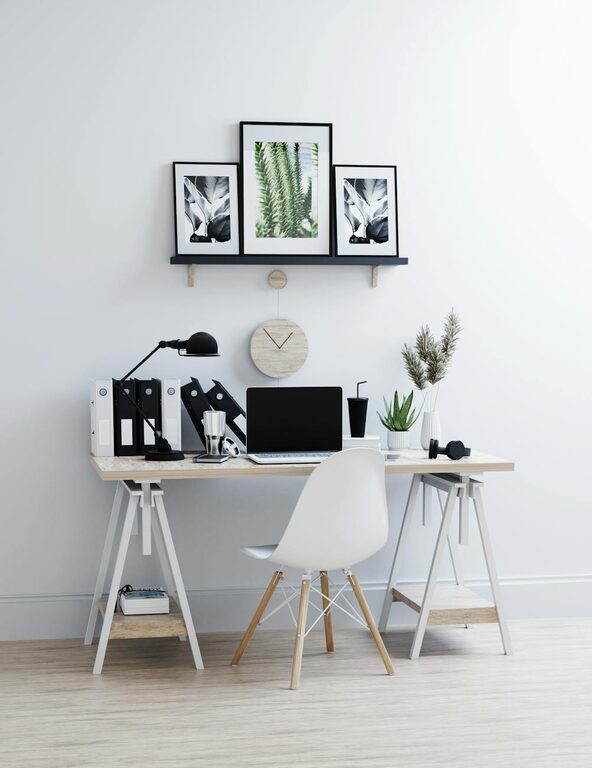
Creating an inspiring and organized workspace doesn’t have to be a time-consuming ordeal. Sometimes, all it takes is a quick refresh to boost your mood and productivity. Whether you work from an office or your home, dedicating just ten minutes to rejuvenate your environment can make a significant difference.
In this post, we’ll explore practical steps you can take to quickly refresh your workspace and set the stage for a more productive day.
Why Refresh Your Workspace?
Before diving into the how-to, let’s understand why refreshing your workspace matters:
– Improves focus: A clutter-free area limits distractions.
– Boosts motivation: A tidy environment can lift your spirits.
– Enhances efficiency: Knowing where everything is saves time.
– Promotes well-being: Cleanliness contributes to a healthy space.
Now, let’s look at how to make these benefits yours in just ten minutes.
Step 1: Clear the Surface (2 minutes)
The first and easiest step is to clear your desk or workspace surface.
– Remove any unnecessary items such as old papers, random pens, or dishes.
– Put away gadgets or accessories that are not part of your daily workflow.
– Stack or file important papers instead of leaving them scattered.
Clearing the surface gives you a clean slate and immediately reduces visual clutter.
Step 2: Quick Dust and Wipe Down (2 minutes)
Dust and grime can accumulate quickly and make your area feel neglected.
– Use a microfiber cloth to dust your desk, keyboard, monitor, and shelves.
– Spray a gentle cleaner or use disinfecting wipes to clean surfaces.
– Don’t forget less obvious spots like your mouse, phone, or light switches.
Regular wiping keeps your workspace fresh and can also help reduce allergens.
Step 3: Organize Your Essentials (3 minutes)
After clearing the area, arrange the items you use most frequently.
– Place your computer or laptop in an ergonomic position.
– Arrange pens, notebooks, or planners within easy reach.
– Use organizers like trays, boxes, or holders to group smaller items.
– Keep a notepad or digital tool ready for jotting down quick notes.
This organization reduces the time spent searching for tools and keeps everything handy.
Step 4: Add a Touch of Life (2 minutes)
Bringing some natural or decorative elements can brighten up your space.
– Place a small plant or succulent on your desk—plants improve air quality and mood.
– Add a picture frame or inspirational quote to personalize your area.
– Consider a small scented candle or diffuser with a subtle fragrance.
– Use a colorful mouse pad or a decorative notebook for a splash of personality.
Personalizing your area makes it inviting and comfortable to work in.
Step 5: Final Check and Adjust (1 minute)
Spend the last minute reviewing your workspace.
– Adjust your chair and monitor height for proper posture.
– Ensure cables are neatly bundled to avoid tangles.
– Open a window for fresh air if possible.
Taking a moment to optimize your setup prevents discomfort and keeps you energized.
Bonus Tips for Maintaining a Fresh Workspace
– Set a daily 5-minute declutter: Make tidying a quick habit.
– Limit items on your desk: Keep only what you regularly need.
– Use digital tools: Reduce paper clutter by going digital.
– Schedule weekly deeper cleans: Reserve time for more thorough organization.
Refreshing your workspace doesn’t require a big project or expensive tools. With these easy steps, you can create a more enjoyable and productive environment in just ten minutes!
Give this quick refresh a try today and notice how a tidier, personalized space can positively impact your work mindset.